
Kitchen display system
A free kitchen display system for cafés and restaurants
Every order reaches a screen in the kitchen with what to cook, the notes and how long it has waited. Chefs tap cooking and ready, and kitchen tickets still print where you want paper.
What the kitchen sees
Every order, as it comes
Counter, waiter, QR and online orders on one screen, with items, options and notes such as “no onion”.
A timer on every ticket
Tickets change colour as they wait, so a forgotten order stands out in a rush.
Cooking and ready
The chef taps cooking, then ready, and the floor knows the plate is up.
Paper where you want it
Kitchen order tickets (KOT) print to a kitchen printer, and different items can print at different stations.
Works in a real kitchen
- Runs on any tablet or screen with a browser, or the Android app
- Kitchen tickets keep printing when the internet drops
- 58 mm and 80 mm thermal printers, Bluetooth and network
- Included in free café billing
- Works alongside QR ordering and the counter
- No special KDS hardware to buy
What to know
- Tables and QR ordering come with the full restaurant plan
- The free plan keeps 7 days of sales history; the full plan keeps it all
How to set up your kitchen screen
Step 1
Register free
Create your café and add your menu, or import it from a photo.
Step 2
Open the kitchen screen
Sign in on a tablet in the kitchen and open the kitchen display.
Step 3
Add printers if you want paper
Connect a kitchen printer and choose what prints where.
Step 4
Take orders
Bill at the counter; every order appears in the kitchen at once.
Real businesses
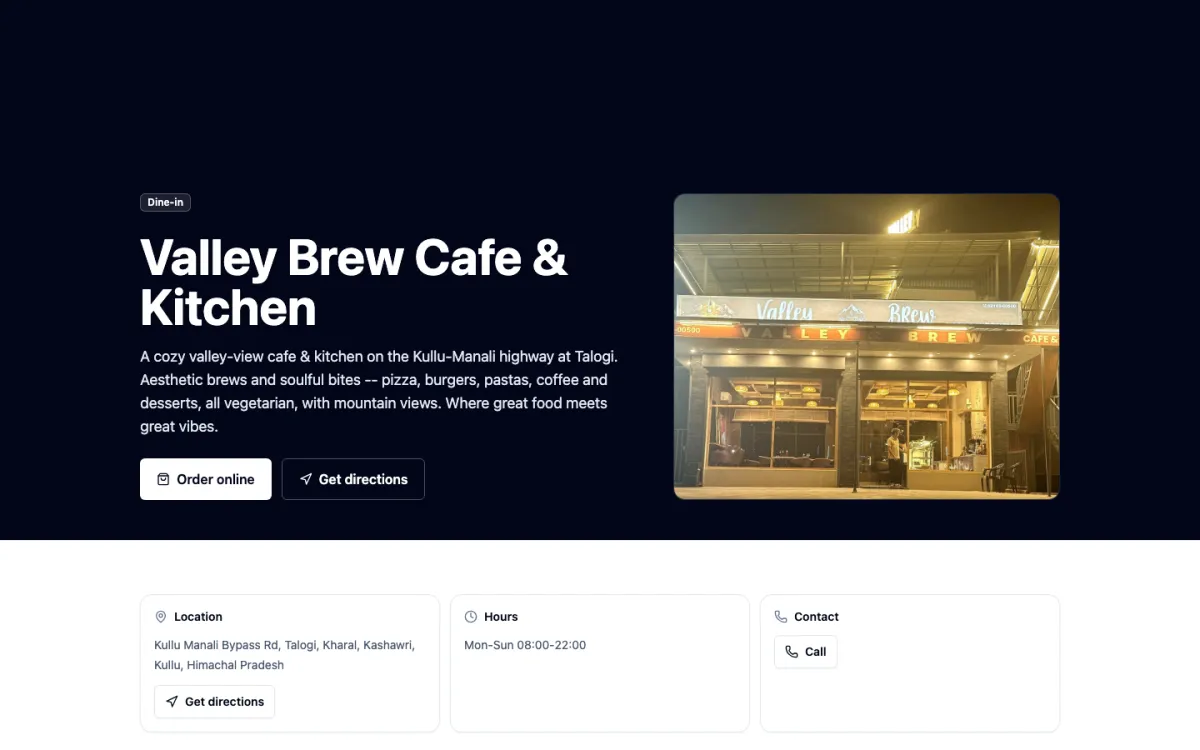
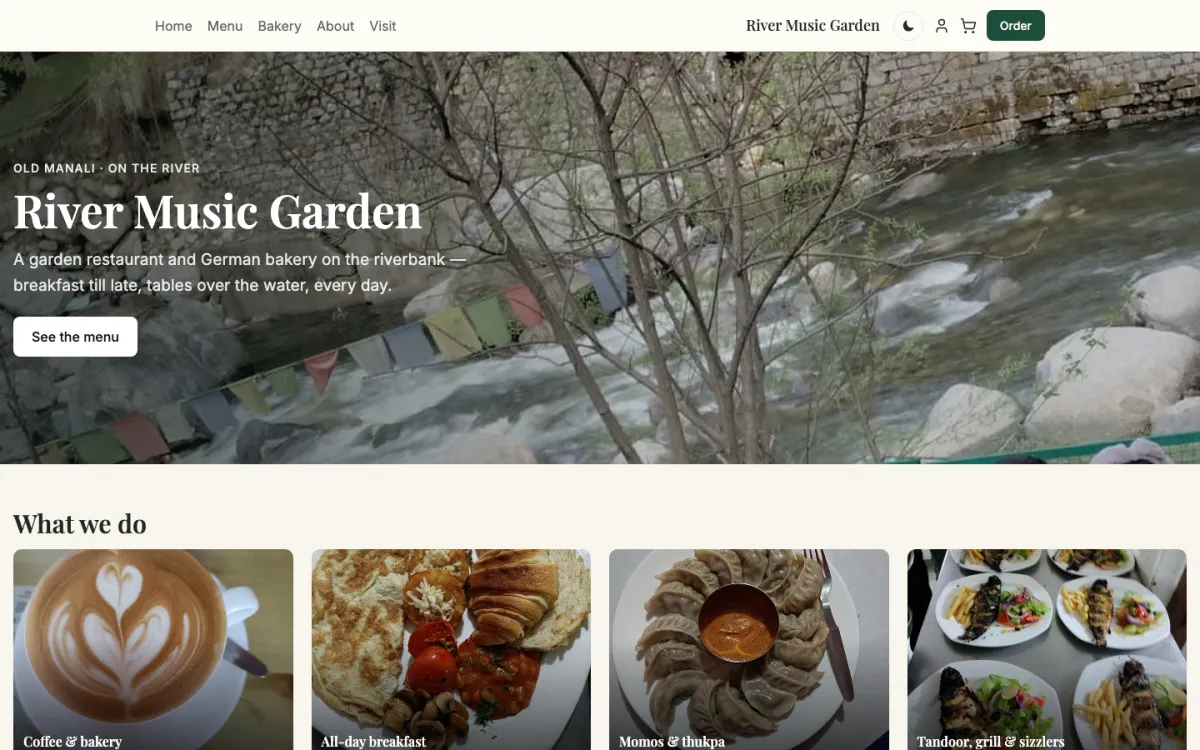
Kitchens running on HimLocal today
01 / 06
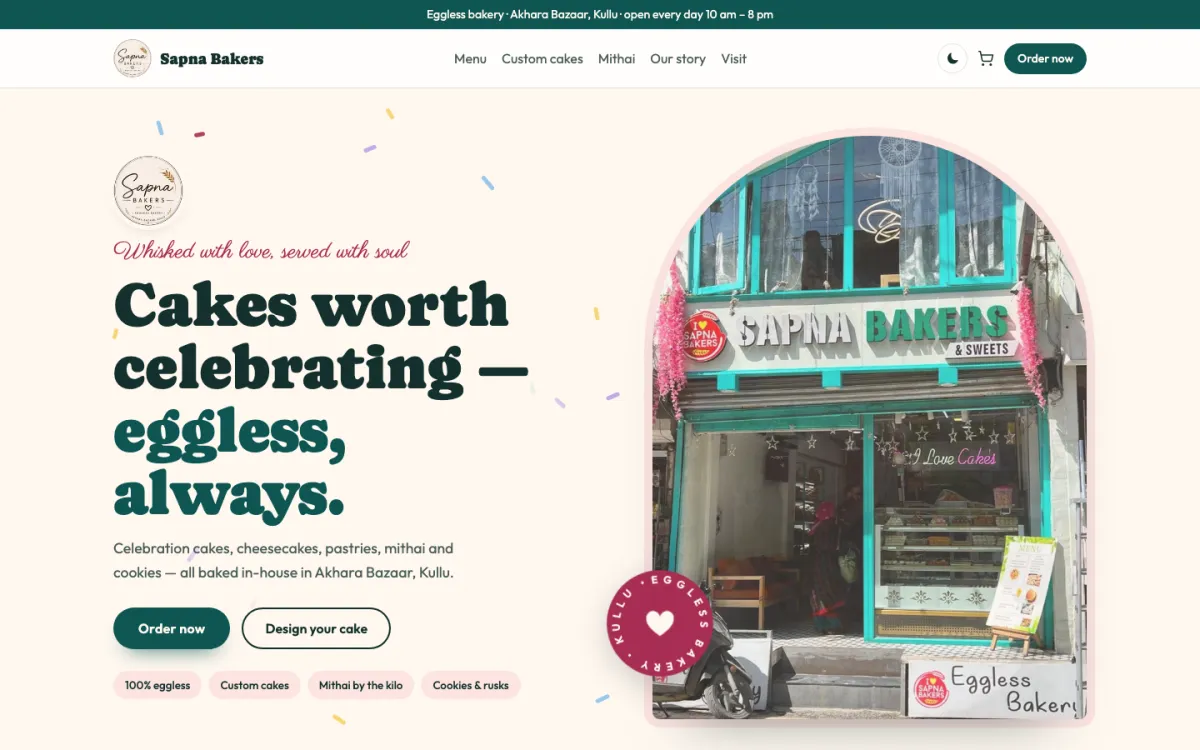
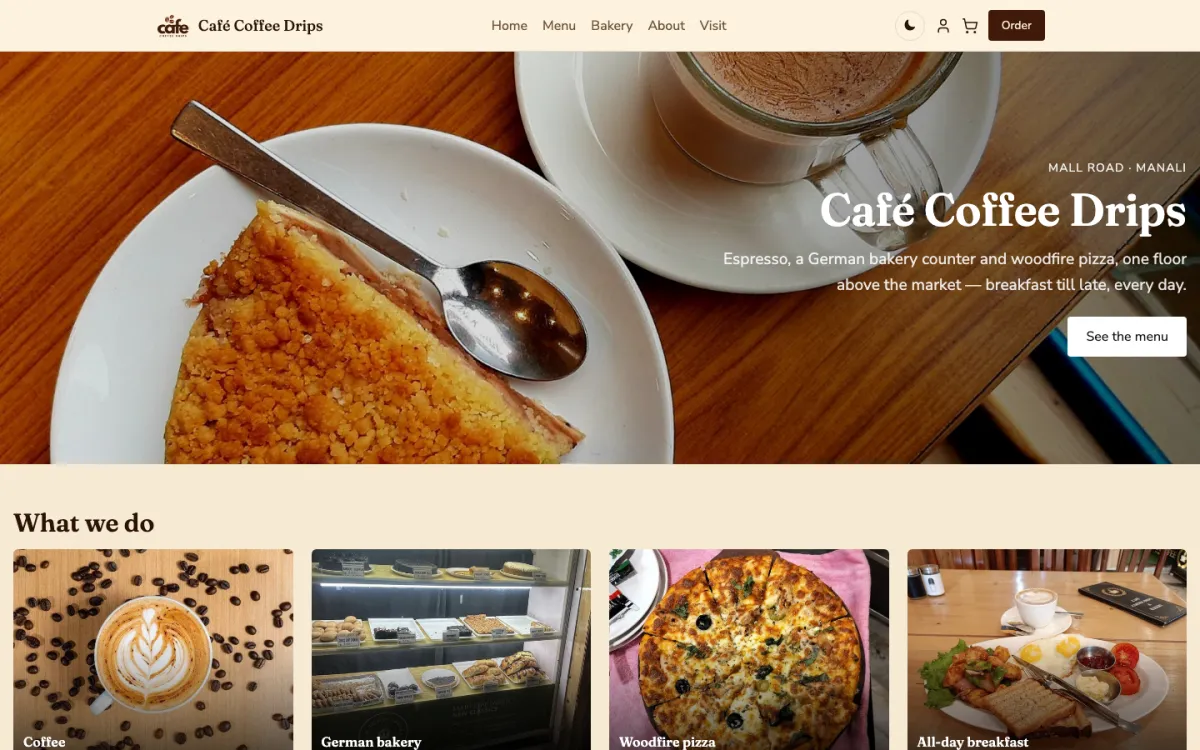
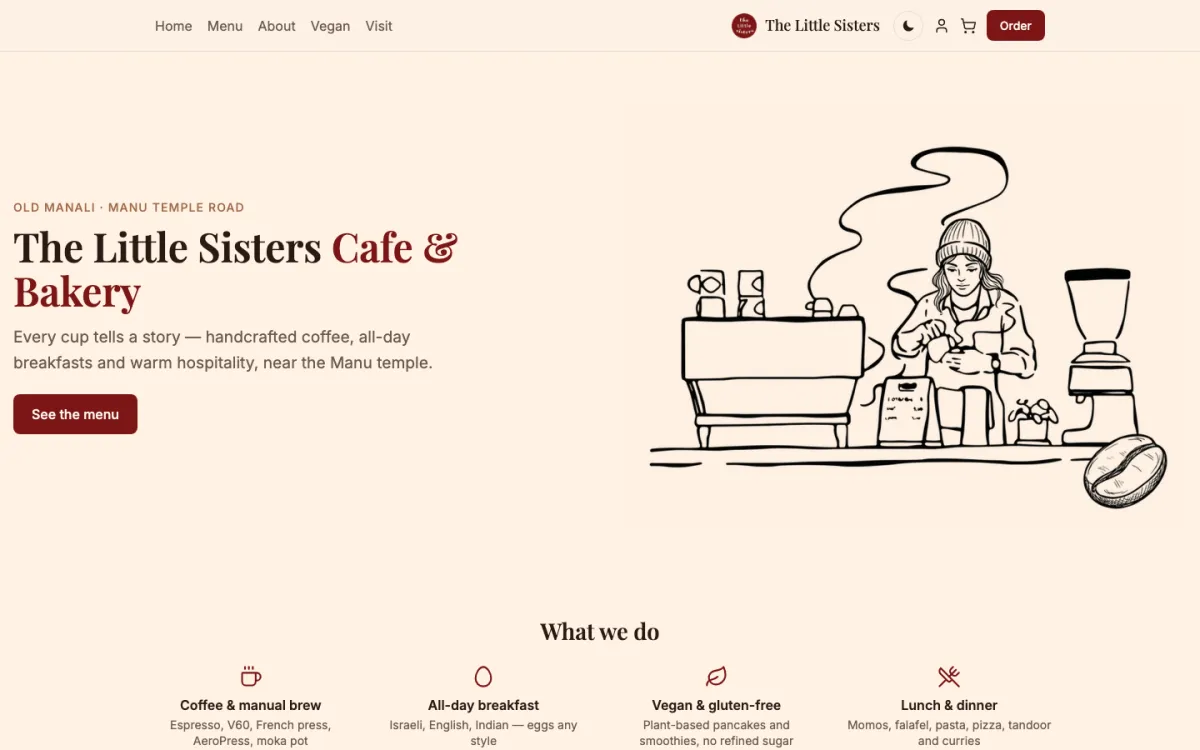
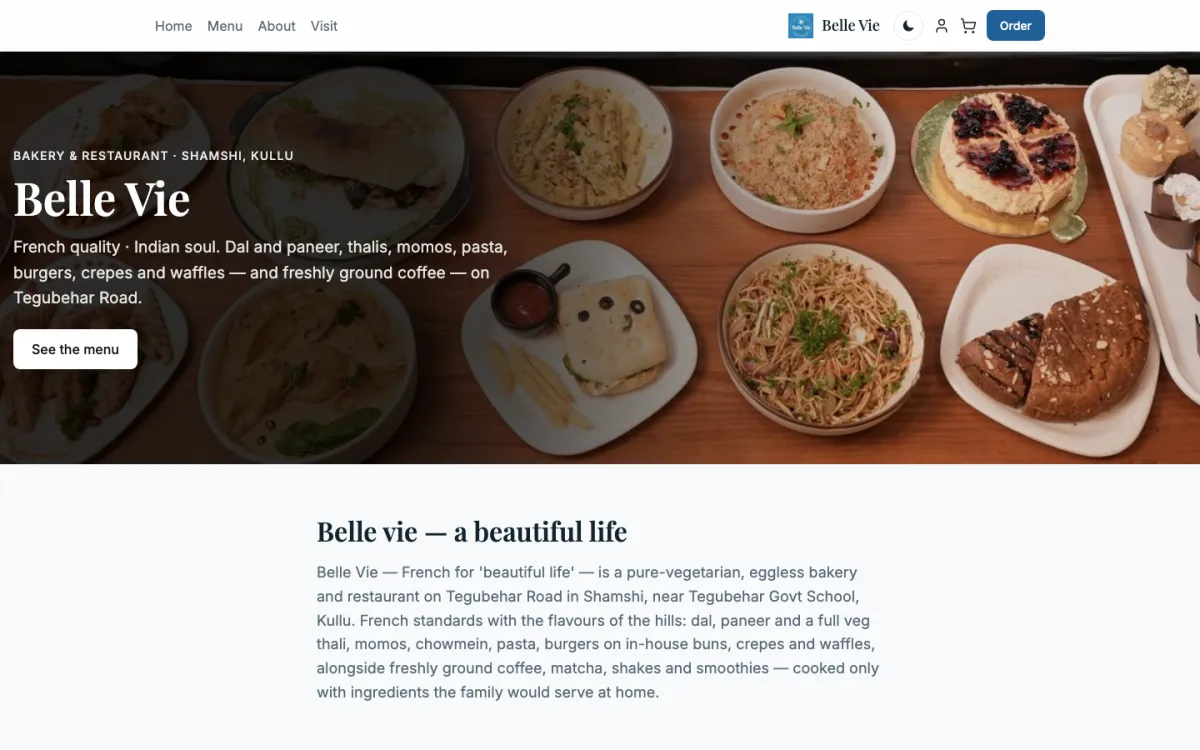
Café
Sapna Bakers
An eggless bakery: celebration cakes, a design-your-cake order and mithai.
Pricing
What it costs
The kitchen display and kitchen tickets are free with café billing. The full restaurant plan, at ₹5,000 a year plus GST, adds tables, QR ordering, staff accounts, stock and analytics.
Questions
Common questions
What is a kitchen display system?
A kitchen display system, or KDS, is a screen in the kitchen that shows each order instead of a paper ticket. Cooks see the items, options and notes with a timer, tap cooking and ready, and late orders stand out by colour, so nothing gets lost in a rush.
Is there a free KDS for restaurants?
Yes. HimLocal’s kitchen display and kitchen order tickets are part of free café billing. You can run the kitchen screen on any tablet with counter billing, menus and bill printing, with no fee. Tables, QR ordering and stock come with the paid restaurant plan.
Can I use a KDS and still print KOTs?
Yes. Orders appear on the kitchen screen and can also print as kitchen order tickets on 58 mm or 80 mm thermal printers. Different items can print at different stations, such as drinks at the bar and food in the kitchen, so each counter gets only its own items.
What happens to the kitchen when the internet drops?
The counter keeps billing and printing kitchen tickets, and everything syncs when the line is back. For a café that wants the kitchen screen itself to keep running with no internet at all, the offline edition runs it over the café’s own Wi-Fi from a counter laptop.
What hardware do I need for a KDS?
Any Android tablet, laptop or screen with a modern browser works as the kitchen display, and there is a HimLocal app for Android. You do not need a special KDS device. A thermal printer is optional, for kitchens that still want paper tickets as well as the screen.
Last checked against the product on 2 November 2026.
Put a screen in your kitchen today
Start free, open the kitchen display on any tablet, and send your first order through.
Questions? WhatsApp +91 82190 05890