
QR table ordering
QR code menu and table ordering for your café
Each table gets its own QR code. Guests scan it, order from their own phone with no app, and the order joins that table’s bill and goes to your live board and kitchen.
What happens when a guest scans
A QR code per table
Print a signed code for every table, grouped by section. The order knows which table it came from.
Your menu, on their phone
Photos, options and add-ons, in the browser. Nothing to download.
One bill per table
Every round a table orders joins the same open bill, until you settle it at the counter.
Straight to the kitchen
The order lands on your live board and kitchen screen, and prints a kitchen ticket where you print them.
Safe on a busy night
- You see every QR order on the live board before it is served
- QR ordering pauses by itself if your kitchen device goes offline
- Waiters still take orders on the same tables from the app
- Move an order to another table, add or remove items
- GST or non-GST bills, as your registration requires
- Sales by table and section in the reports
What to know
- Table QR ordering is in the full restaurant plan, not the free billing plan
- A guest who orders in the first few minutes of an internet outage is seen when the line returns
How to start QR ordering
Step 1
Add your menu
Type it in or import it from a photo of your printed menu.
Step 2
Add tables
Name your tables and sections in Settings.
Step 3
Print the QR codes
Download a code for each table and stick it on.
Step 4
Take orders
Guests scan and order; the kitchen sees it at once.
Real businesses
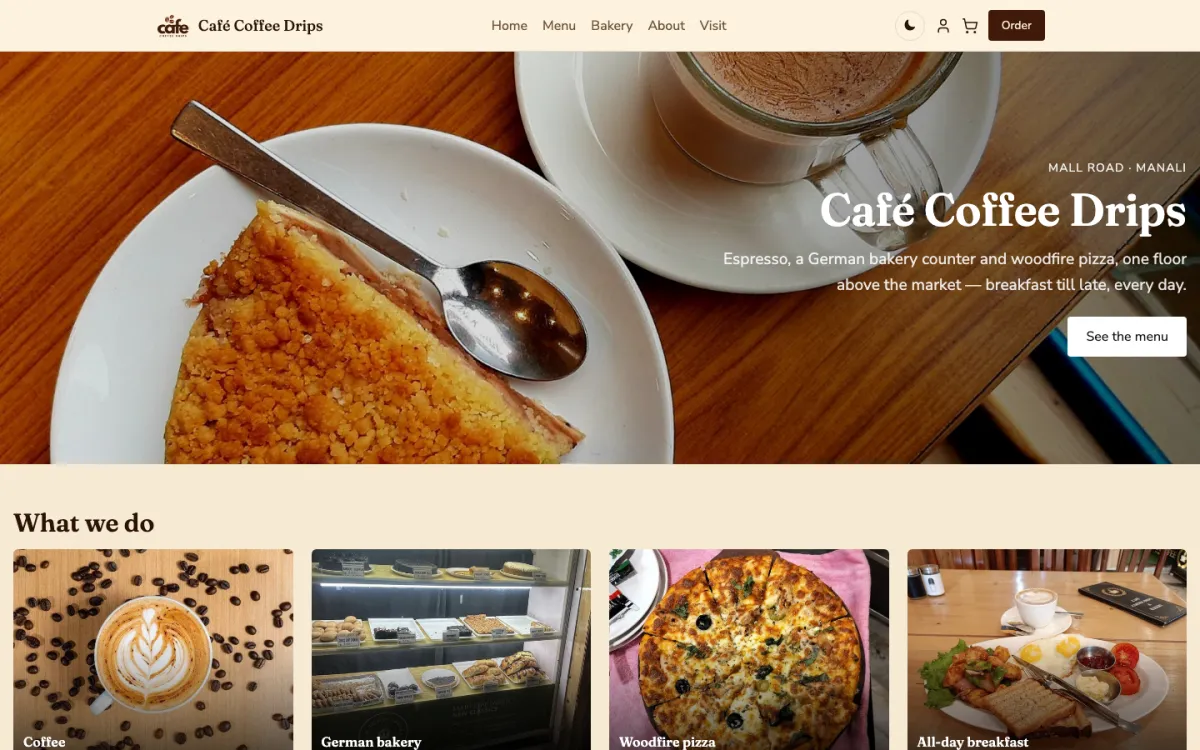
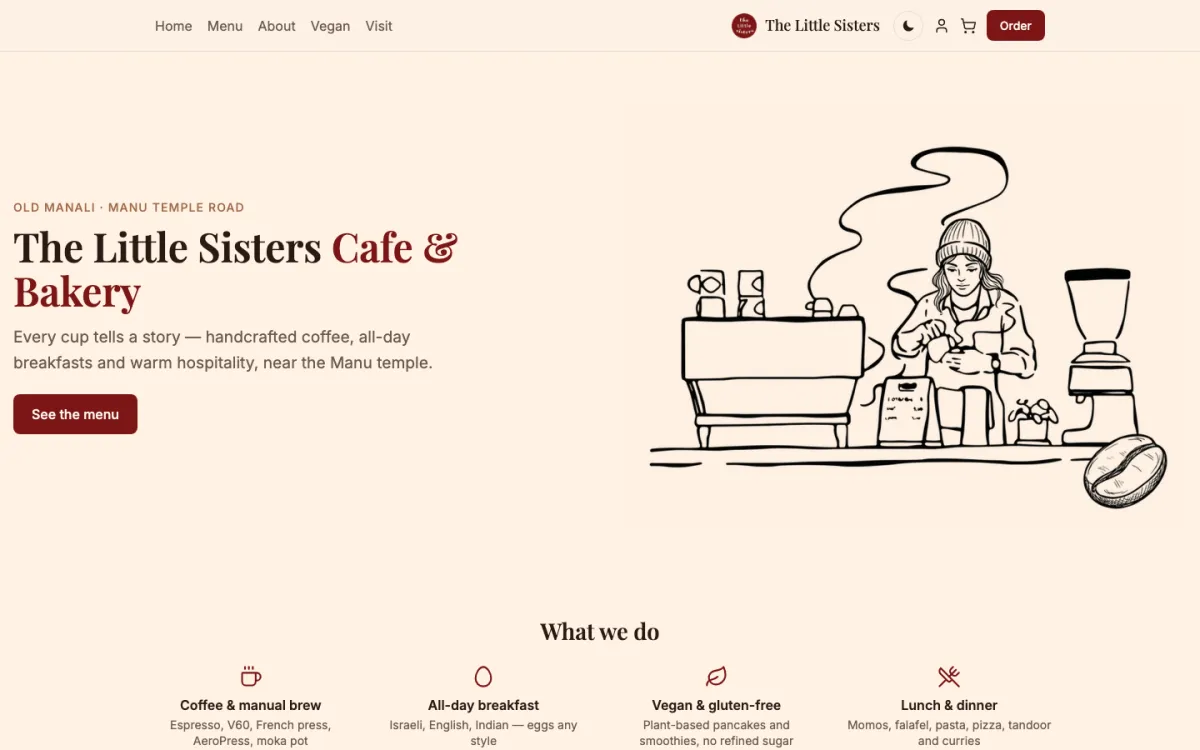
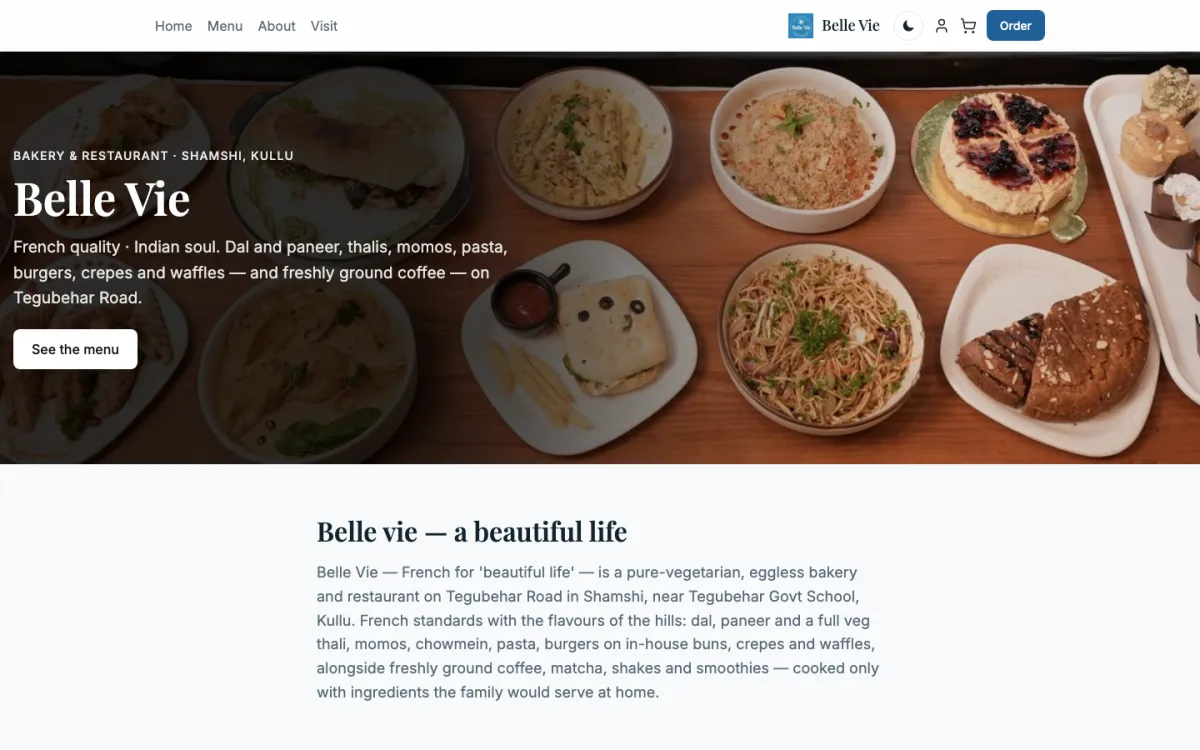
Cafés running on HimLocal today
01 / 06
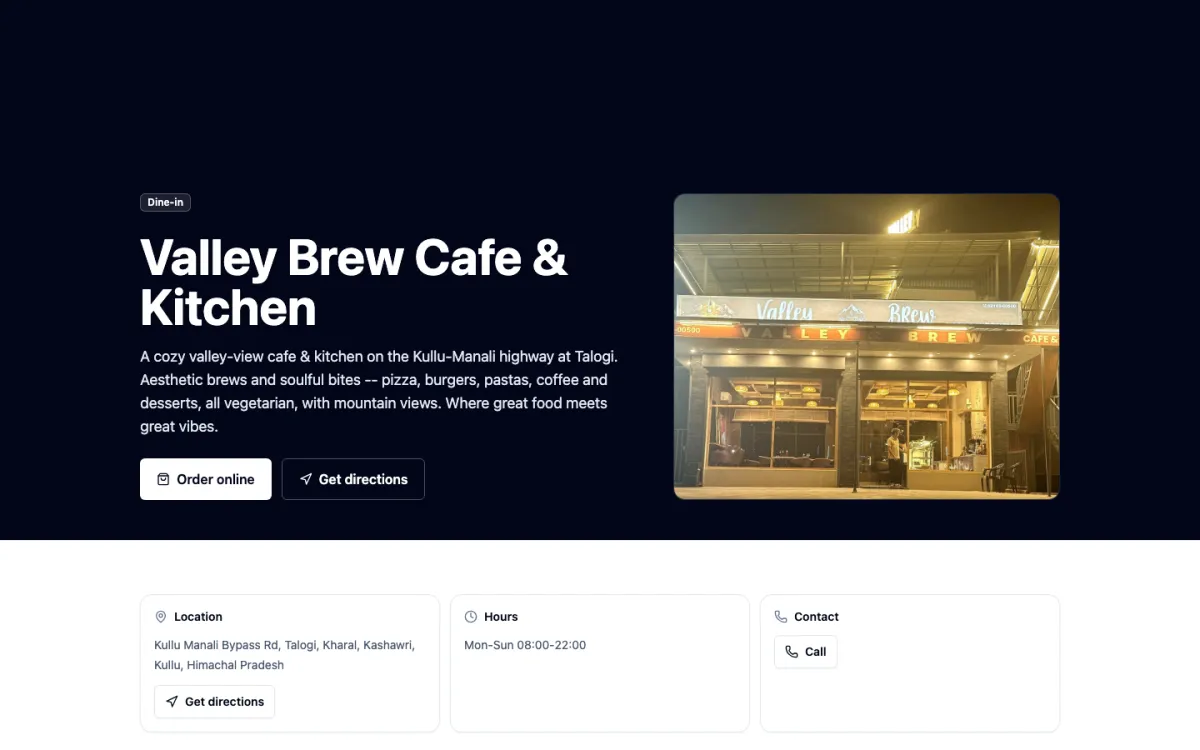
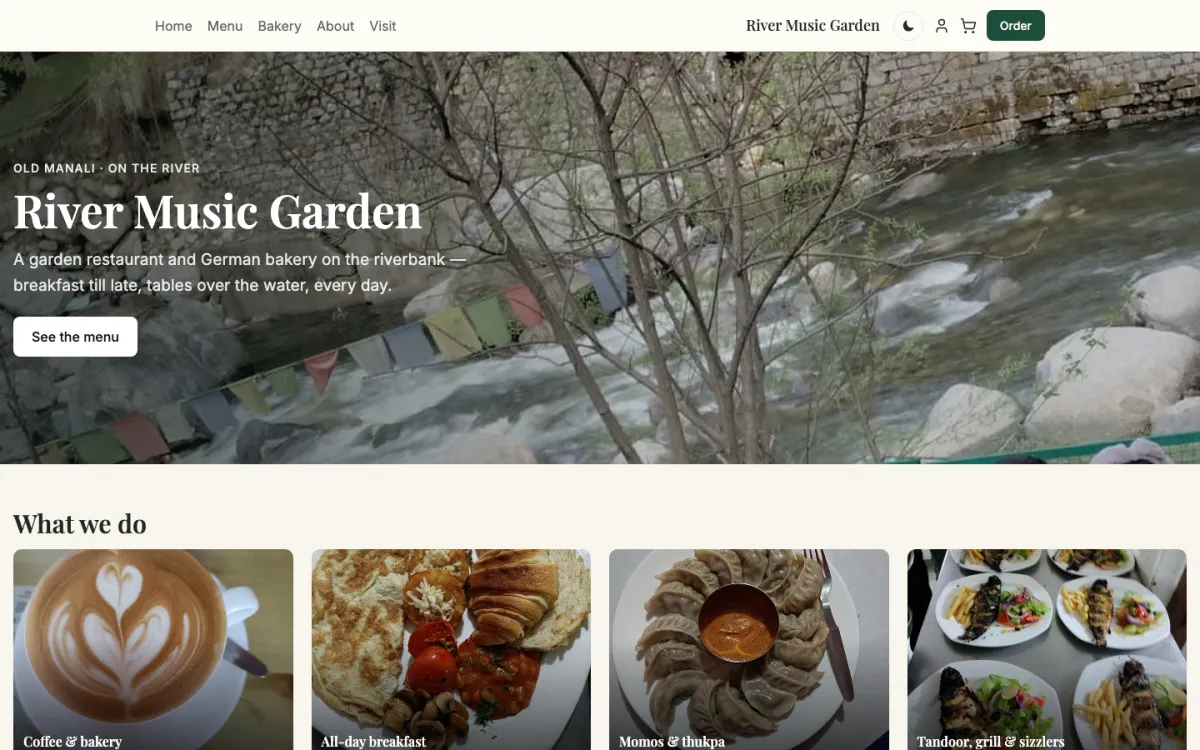
Café
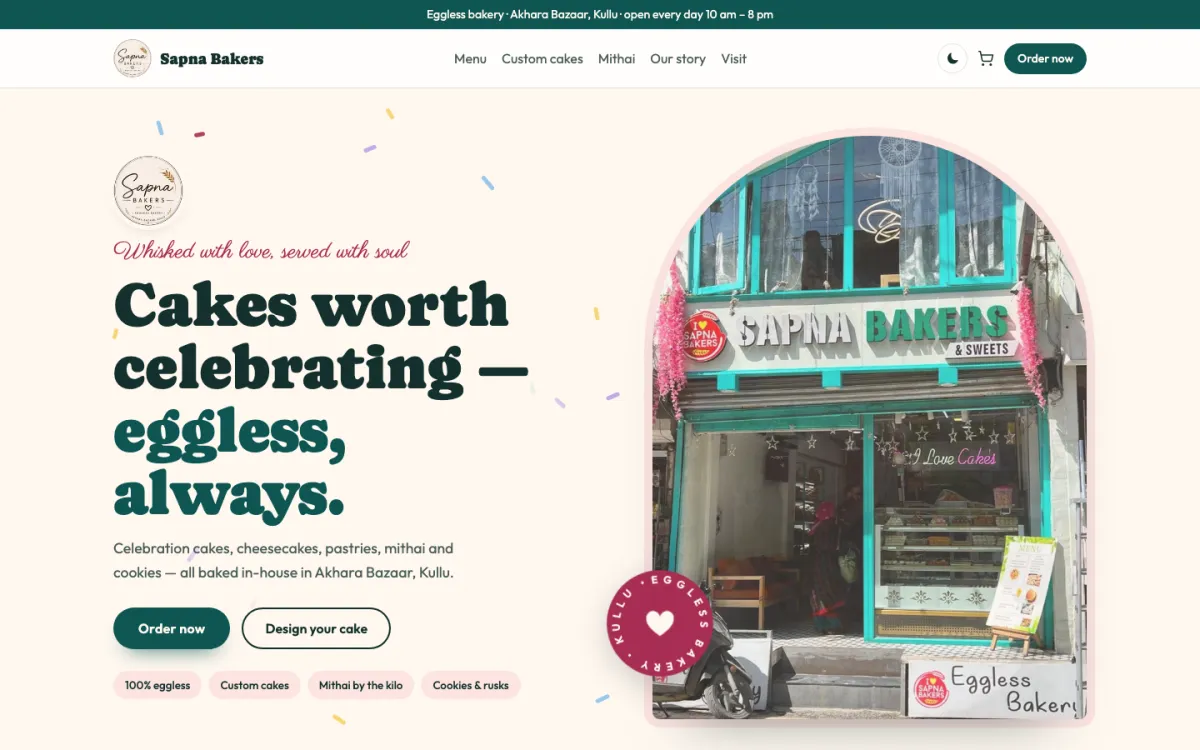
Sapna Bakers
An eggless bakery: celebration cakes, a design-your-cake order and mithai.
Pricing
What it costs
QR table ordering comes with the full restaurant plan at ₹5,000 a year plus GST, with tables, staff accounts, stock and analytics. Counter billing and the kitchen screen are free. Your own QR and counter orders carry no commission.
Questions
Common questions
How does QR code ordering work in a restaurant?
Each table has its own QR code. A guest scans it with the phone camera, the menu opens in the browser, and the order goes to your live board and kitchen screen marked with the table number. Further rounds join the same table bill until you settle it.
Do guests need to download an app to order?
No. The menu opens in the phone’s browser straight from the QR code, with photos, options and add-ons. Guests order without signing up for anything, which matters in tourist areas where visitors will not install an app for one meal.
How much does a QR menu ordering system cost?
On HimLocal, QR table ordering comes with the full restaurant plan at ₹5,000 a year plus GST, which also covers tables, staff accounts, stock and analytics. Counter billing and the kitchen screen are free. There is no commission on your own QR orders.
What if the internet goes down during service?
QR ordering pauses by itself if your kitchen device stops checking in, so guests are not left waiting on orders nobody sees. The counter keeps billing offline, and QR ordering opens again as soon as the kitchen device is back online.
Can waiters still take orders on the same tables?
Yes. Waiters take orders on the HimLocal app for the same tables, and those orders join the same open bill as the guest’s QR orders. The kitchen sees one queue, and the table pays one bill at the end of the meal.
Last checked against the product on 2 November 2026.
Put a QR on every table
Register your café and send us your menu. We help you set up tables and QR codes.
Questions? WhatsApp +91 82190 05890