
Waivers and consent forms
Digital waiver and consent forms for adventure activities
Guests fill in their details and accept your consent form online before the activity, trek or tour. Each signed form is kept with the booking, against the exact version they agreed to.
Paper forms, replaced
Your own wording
Write consent templates for each kind of activity. Edit them any time; earlier signatures stay tied to the version the guest accepted.
Guest details with the form
Name, age, contact and the details you ask for are collected with the consent, for every guest on the booking.
Minors and guardians
When a guest is under age, the form asks for a parent or guardian to accept on their behalf.
Kept with the booking
Each form sits on the booking and the day sheet, so staff see who has signed before the raft leaves.
Where it works
- Slot activities: rafting, paragliding, ziplines, bike hire
- Treks and expeditions, for every trekker on a departure
- Vehicle and group tours
- The check-in link opens on your own website
- Unsigned forms listed on the "Today" screen
- A basic waiver even on the free plan
What it does not do yet
- Sending the check-in link to the guest automatically
- A QR code at the counter for walk-in guests
- ID uploads and a signed PDF copy
How to switch to digital consent
Step 1
Write the template
Your risk wording, the guest details you need and the age rule.
Step 2
Attach it
Choose which activities, treks or tours use the template.
Step 3
Send the check-in link
Share the booking’s check-in link with the guest on WhatsApp.
Step 4
Check before you start
The day sheet shows who has signed and who has not.
Real businesses
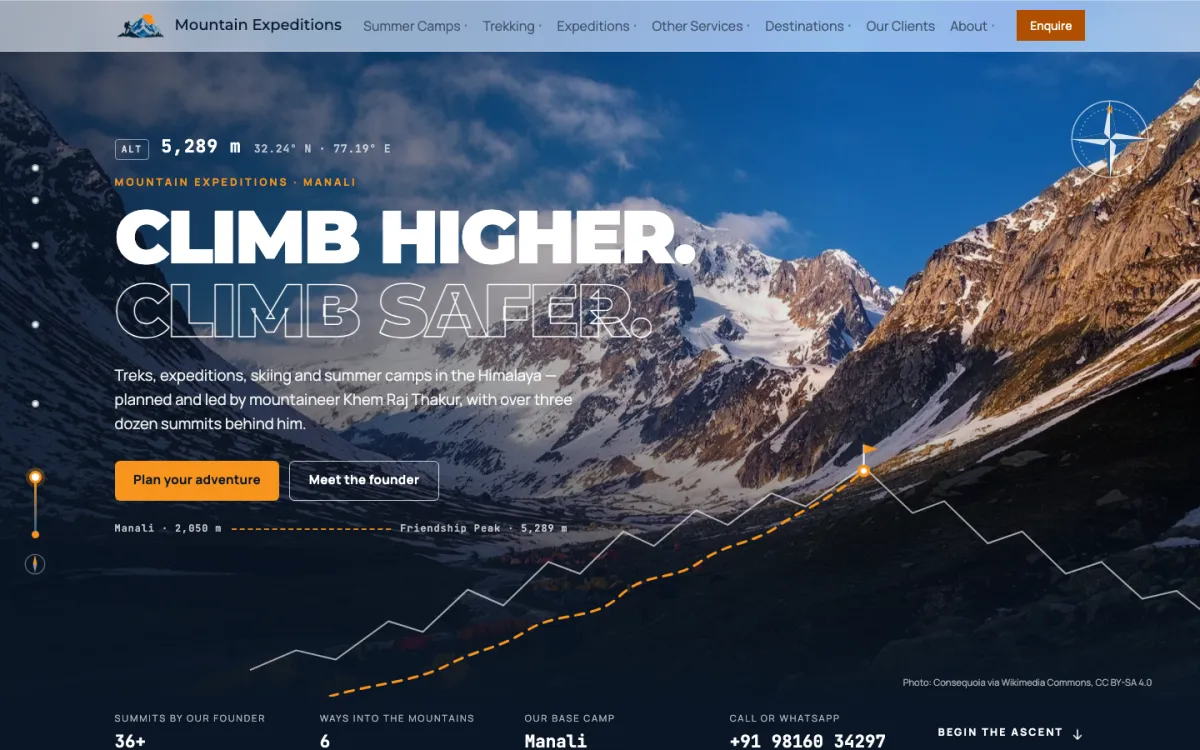
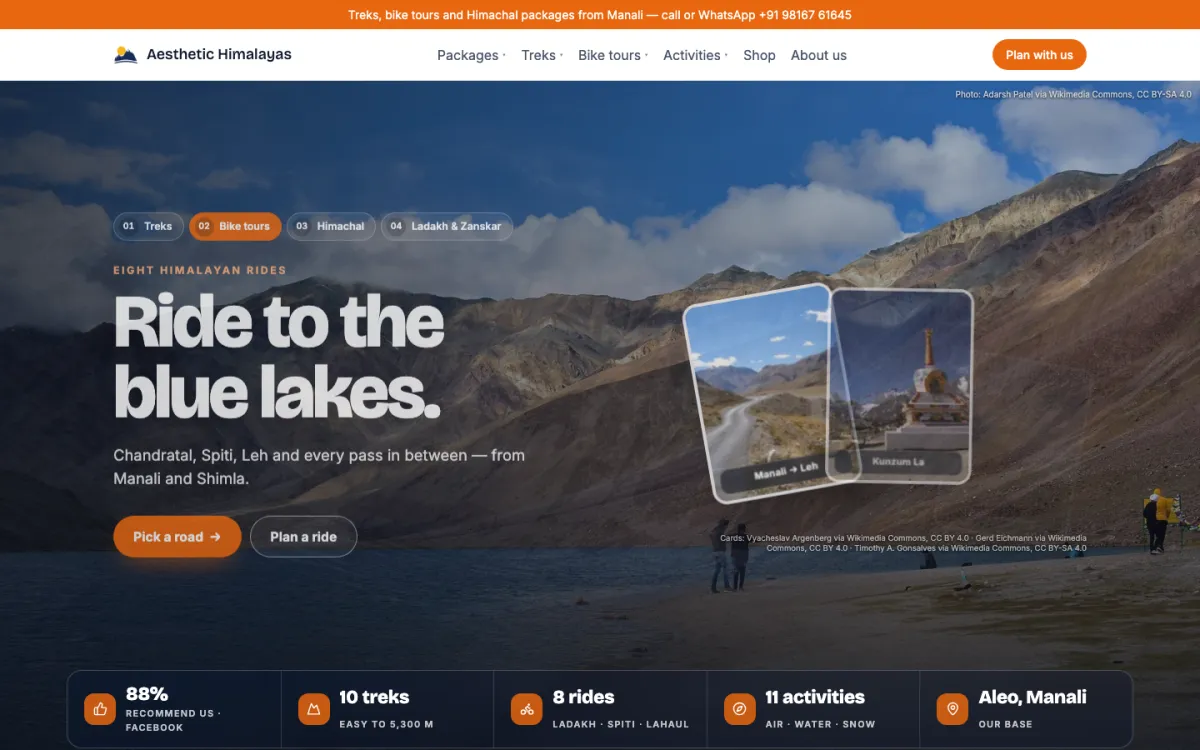
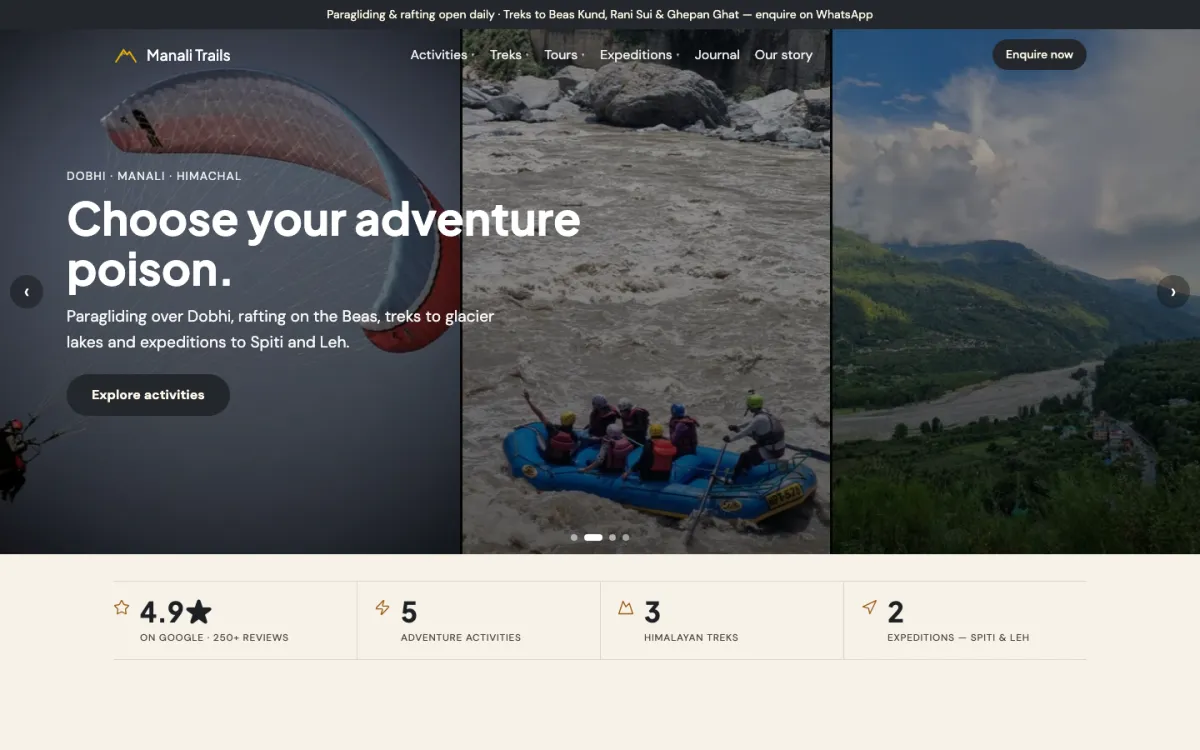
Operators using HimLocal today
01 / 03
Adventure
Mountain Expeditions
Treks, expeditions and summer camps, with an altitude line that climbs as you scroll.
Pricing
What it costs
A basic waiver comes with the free plan. Versioned consent templates and the check-in link on your own website come with Basic at ₹10,000 a year, plus GST, along with your booking website and desk tools.
Questions
Common questions
Can adventure guests sign a waiver online?
Yes. With HimLocal, each booking has a check-in link where guests enter their details and accept your consent form before the activity. The accepted form is stored with the booking, so staff can see who has signed on the day sheet before the activity starts.
What happens when I change my waiver wording?
Templates are versioned. When you edit the wording, new guests accept the new version, and every earlier acceptance stays linked to the exact version that guest saw. You can always show which wording a guest agreed to on the day of their activity.
How do waivers work for children?
When a guest is a minor, the form asks a parent or guardian to accept the consent on their behalf. You can also set a youngest allowed age for each activity, and the booking form will not take a child below that age, so the question never reaches your counter.
Do digital waivers work for treks and tours too?
Yes. Consent forms work for every trekker on a fixed departure and for guests on vehicle and group tours, not only for slot activities like rafting. Each guest on the booking gets their own form, and the trek leader sees who has signed on the roster.
Is a digital waiver legally valid in India?
Electronic records and consent are recognised under the Information Technology Act, 2000, but whether a waiver protects you depends on its wording and the facts of a case. Have a lawyer review your template. HimLocal stores what each guest accepted and when, against the exact version.
Last checked against the product on 2 November 2026.
Stop chasing paper forms
Send us your current waiver. We set it up as a template on your activities.
Questions? WhatsApp +91 82190 05890