
LocalPOS · Aapka data, aapke paas
Restaurant billing on your own PC, with no internet and your data in your hands
LocalPOS puts the full HimLocal restaurant system on your counter PC. Staff take orders on their phones over the café Wi-Fi, the kitchen gets its tickets, and the bills print, even when the internet is down for the day. Your sales and your customers stay on your PC. We never see them.
Two ways to run it
LocalPOS
The counter PC runs everything: billing, kitchen tickets, printing, tables, stock and reports. Up to five staff phones, tablets or laptops join on the café Wi-Fi to take orders. Nothing needs the internet.
LocalPOS Advanced
Everything in LocalPOS, plus your online orders. Orders from your own HimLocal website arrive at the counter when the line is up, and QR table orders can be switched on too. Only those orders come in, and only their status goes back.
Your data stays with you
The counter PC is the only place your bills, sales, customers and staff are kept. Nothing leaves the café except a licence check when there is internet.
Made for the hills
Power cuts and a weak line are normal in the mountains. The café keeps billing through them, because the counter does not wait for the internet.
What you get
- The full restaurant system on one Windows PC
- Staff screens: up to five phones, tablets or laptops on the café Wi-Fi
- Kitchen tickets and bills to your thermal printers
- Tables, stock, expenses and reports on the PC
- Phones join by scanning a QR code at the counter
- Online and QR orders come in on LocalPOS Advanced
What to know
- LocalPOS needs a Windows 10 or 11 PC at the counter. We suggest 8 GB of memory, an SSD and a UPS for power cuts.
- It is built for cafés and restaurants first. Shops, stays and adventure counters come later.
- Zomato and Swiggy orders are not connected yet.
- Because your data stays on the PC, you cannot watch the café from home on LocalPOS.
How you start
Step 1
Book a demo
We show LocalPOS on a real counter and check your PC and printers.
Step 2
Install the app
Install the HimLocal restaurant app on your Windows PC and enter your activation code.
Step 3
Pair your staff phones
Each phone scans the QR code shown at the counter and joins over the café Wi-Fi.
Step 4
Bill, with or without internet
Take orders and print bills. On Advanced, online orders arrive at the counter when the line is up.
Real businesses
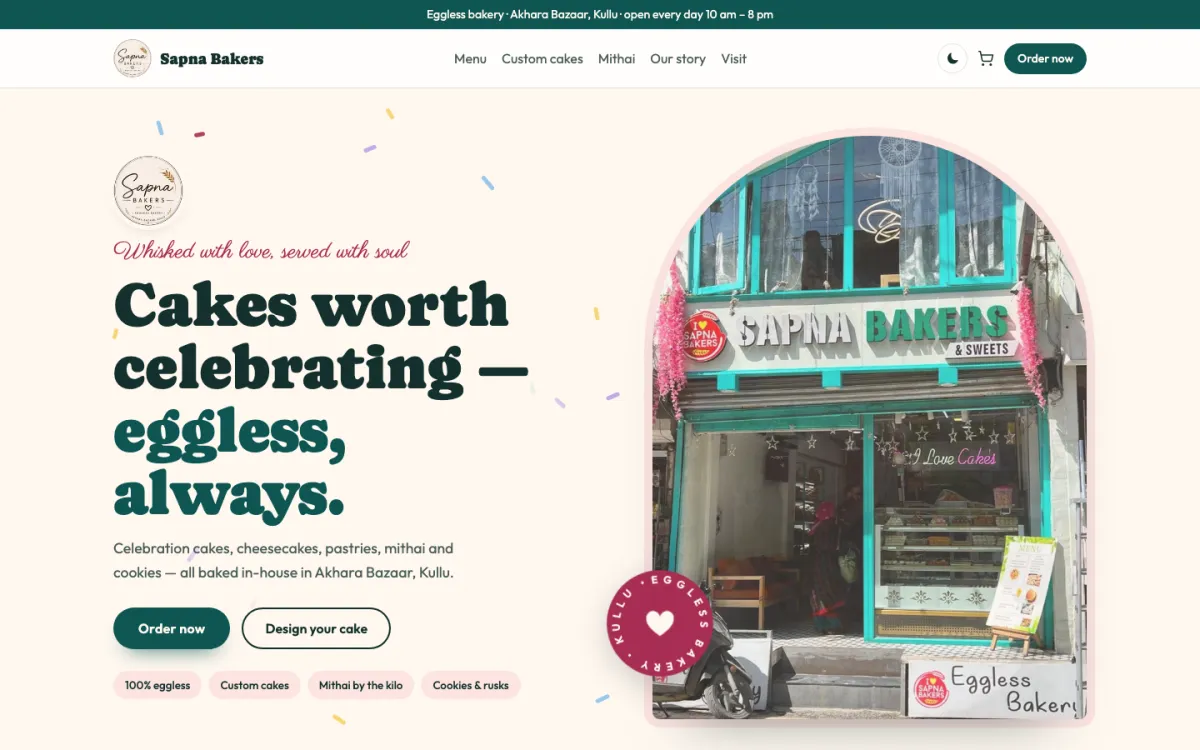
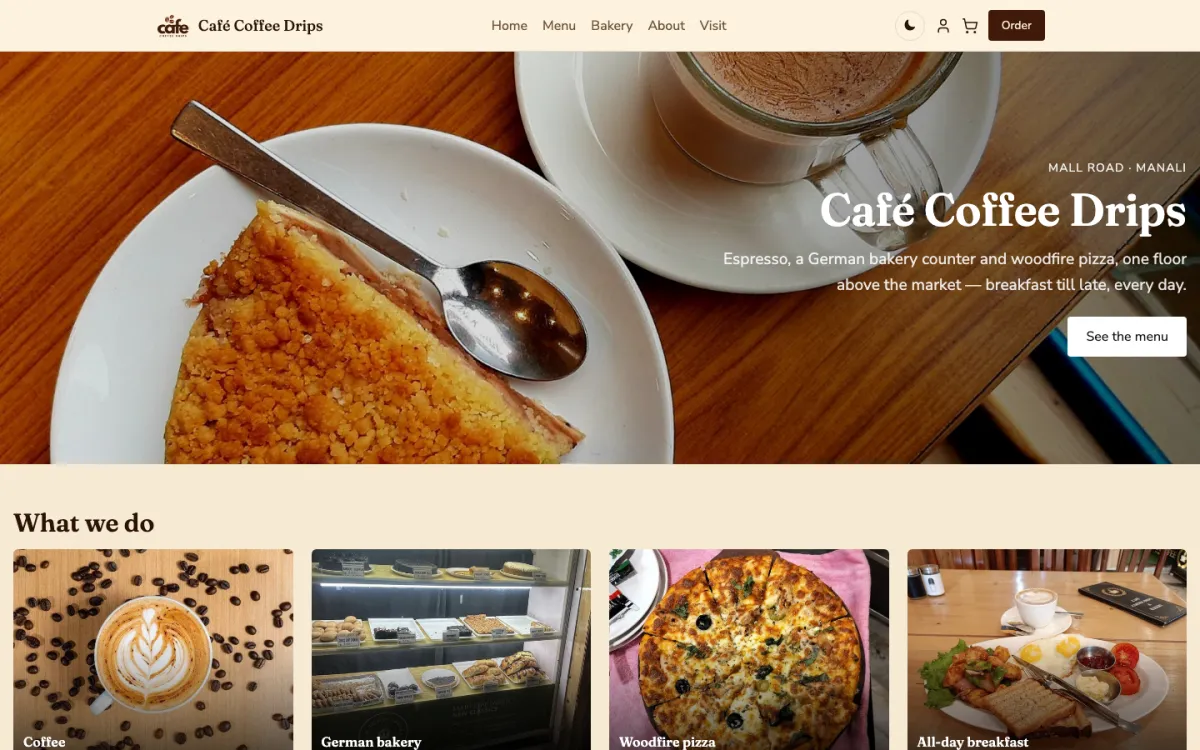
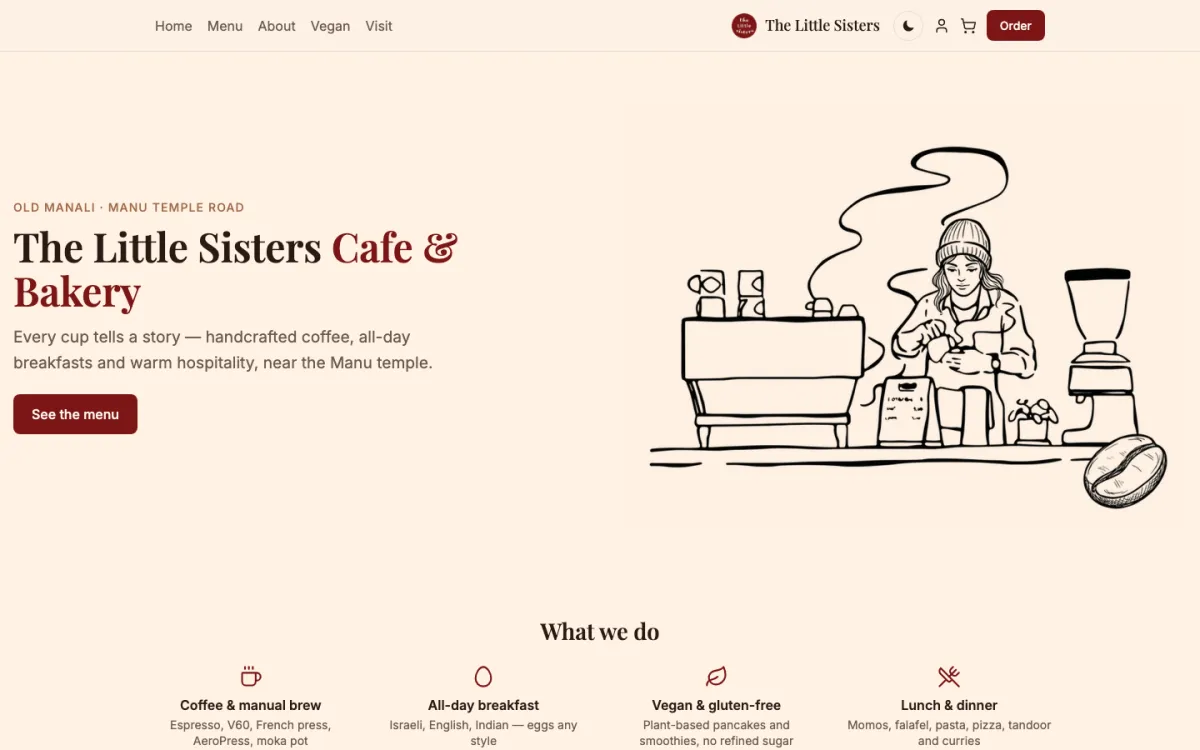
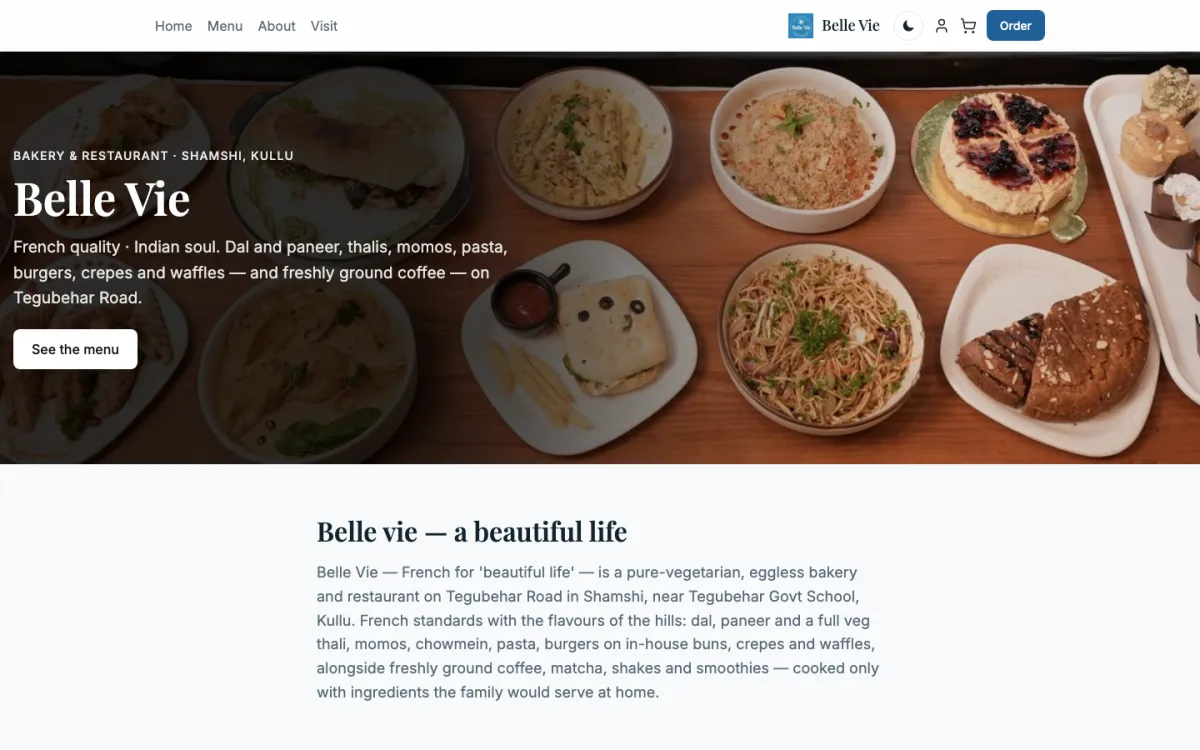
Cafés already billing on HimLocal (online edition)
01 / 06
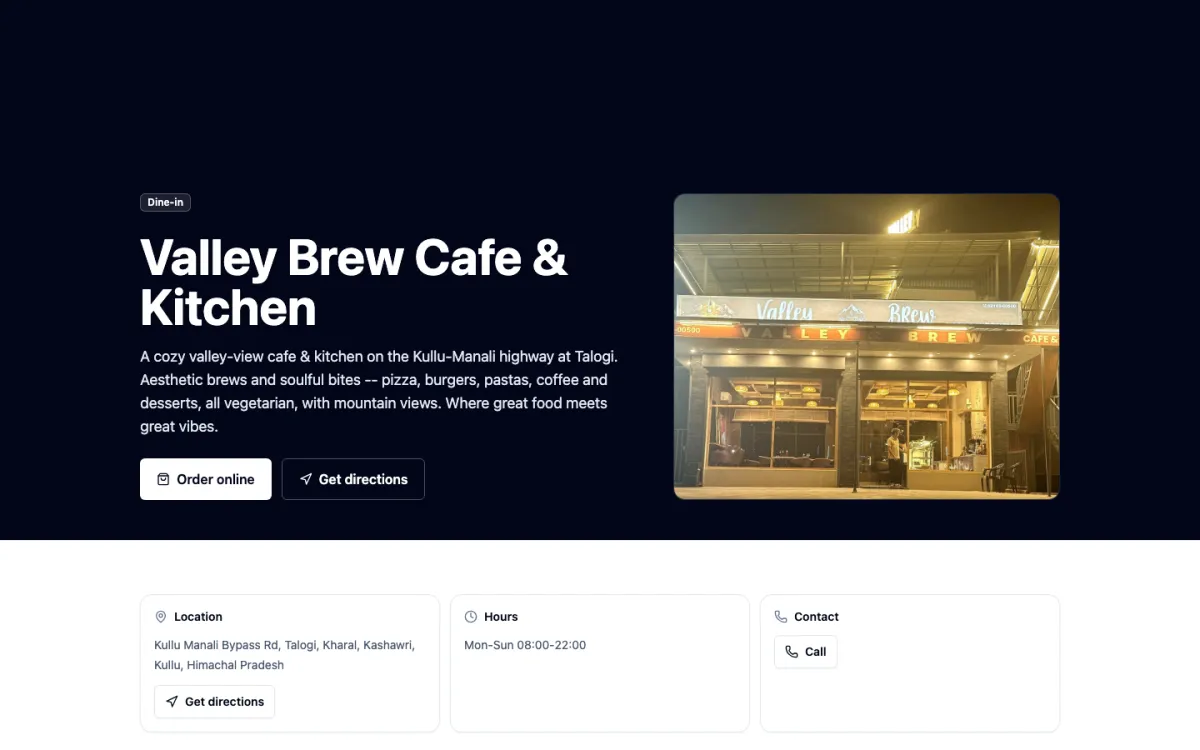
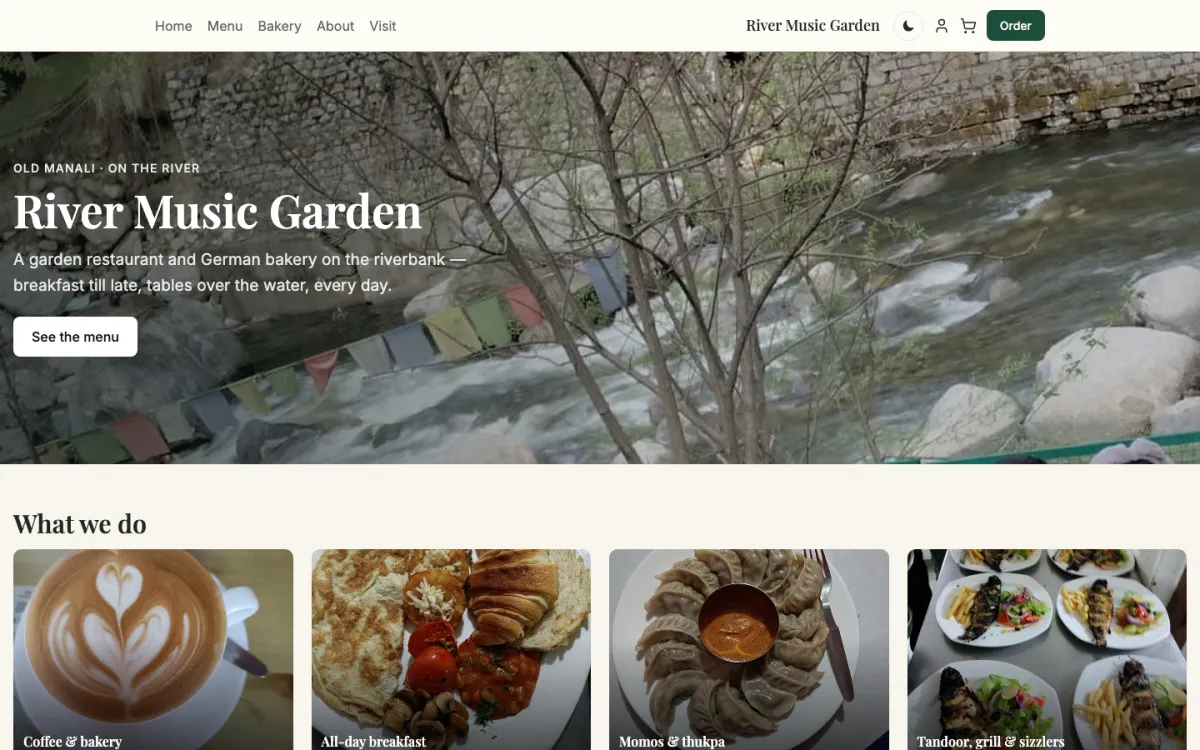
Café
Sapna Bakers
An eggless bakery: celebration cakes, a design-your-cake order and mithai.
Pricing
What it costs
LocalPOS is ₹30,000 once, or ₹5,000 a year. Ask us on WhatsApp which suits your café, and what LocalPOS Advanced adds for online orders.
Questions
Common questions
Is there restaurant billing software that works without internet?
Yes. HimLocal LocalPOS runs the full restaurant system on your own Windows PC at the counter. Billing, kitchen tickets, printing and staff phones on the café Wi-Fi all keep working with no internet at all. It suits cafés in the hills, where power cuts and weak lines are part of every week.
Where is my data kept on LocalPOS?
On your own counter PC. Your bills, sales, customers and staff records stay there, and HimLocal never sees them. The only thing that leaves the café is a licence check when the internet is on. With LocalPOS Advanced, only your online orders come in, and only their status goes back.
Can my staff take orders on their phones?
Yes. Up to five phones, tablets or laptops join the counter over the café Wi-Fi. Each device pairs once by scanning a QR code shown at the counter, and then staff take orders and send them to the kitchen. None of this needs the internet, only the café Wi-Fi.
What is the difference between LocalPOS and LocalPOS Advanced?
LocalPOS runs your café entirely on the counter PC, with staff screens on the café Wi-Fi and no internet needed. LocalPOS Advanced adds your online orders: orders from your own HimLocal website reach the counter when the line is up, and QR table orders can be switched on too.
How much does LocalPOS cost?
LocalPOS is ₹30,000 once, or ₹5,000 a year, for one counter PC and up to five staff devices. You also need a Windows PC at the counter and thermal printers. Ask us on WhatsApp which suits your café, and what Advanced adds for online orders.
Last checked against the product on 2 November 2026.
See LocalPOS on a real counter
Book a demo and we will show billing, staff phones and kitchen tickets running with the internet switched off.
Questions? WhatsApp +91 70189 05890